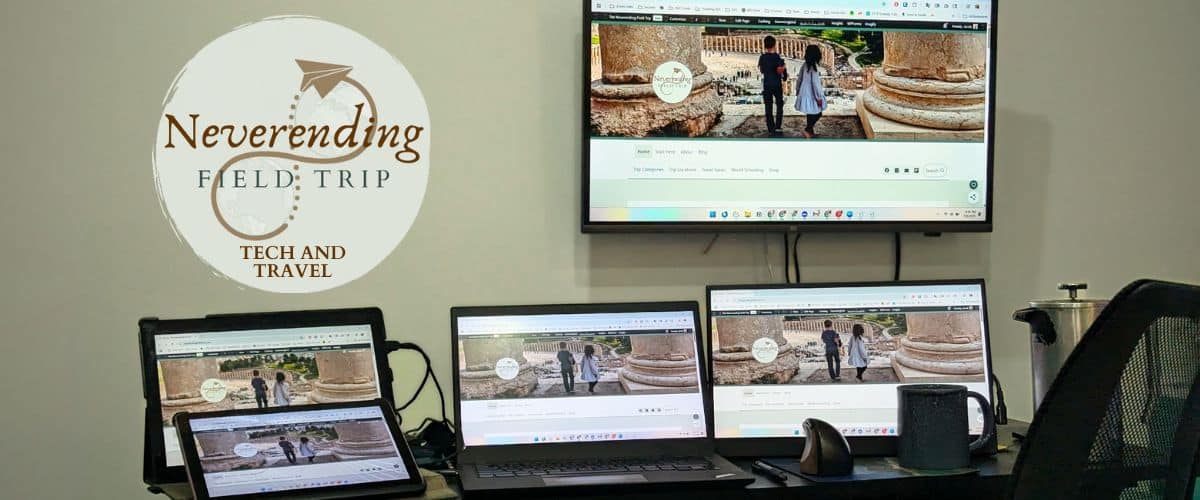
Best Portable Monitors for Work and Travel (a budget-friendly perspective)
Very few things help productivity quite as much as having the screen real estate to see more things at once. It’s the reason so many professionals have elaborate multi-monitor displays in their home offices. But as more people are choosing to work remotely, many are looking for the best portable monitors to take that same experience on the road!

TLDR; My Personal Pick for best budget Travel Monitor
This 15.6" screen is big enough to give you more room to work without being so big it's hard to pack, making it a perfect travel screen.
It can use a single USB-C cable for power and video (this is a good one) OR it can use HDMI (via an adapter) so you can connect a game console or media stick to it in a pinch. And, at only $50 (5/19/26), this is an easy impulse buy.
It isn't the absolute best monitor out there, but it is a great choice for frequent travelers.

Using an external monitor is one of the simplest ways to increase your productivity while traveling. Extra space means less flipping between tabs searching for information, less chance of losing your place, and lots more space to keep important information front and center. But, when you’re traveling, an extra screen also means one more thing to pack.
Most lists of the best external monitors for your computer focus on screens that provide the most pixels over the most real estate. While that can be important, the best travel monitors also have to factor in portability and the cost of replacing it when the wear and tear of travel catches up to it.
Fortunately, there’s a growing number of portable monitors that make those trade-offs beautifully and end up being worth bringing with you! These are today’s best portable monitors for travel that help boost your productivity when working remote.
- 1080p Resolution
- USB-C or Mini-HDMI
- Smartcase Stand
There are definitely newer and shinier portable monitors out there, but for the money, this one is an easy choice as my pick for most people.
Bundle this with a pocketable travel stand for a vertical screen set up that will work even on smaller tables!
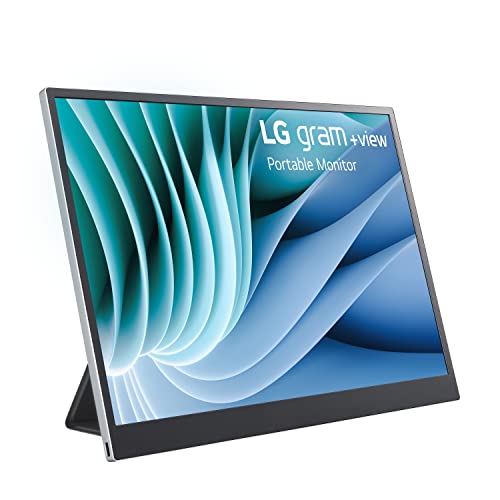
- 16:10 screen with 2560x1600 resolution
- Premium build quality
- 2x USB-C, DisplayPort, and mini-HDMI connectors
This is the only big-name brand monitor on my list, but the Gram has earned its place here.
While not the highest-rated monitor on the market for true color clarity, it still does a fantastic job of keeping colors clear and has high enough pixel density that there will be zero blurring or fuzziness.
If you do graphic design work where you need exact color-fidelity, this is a travel-friendly screen that can get the job done.
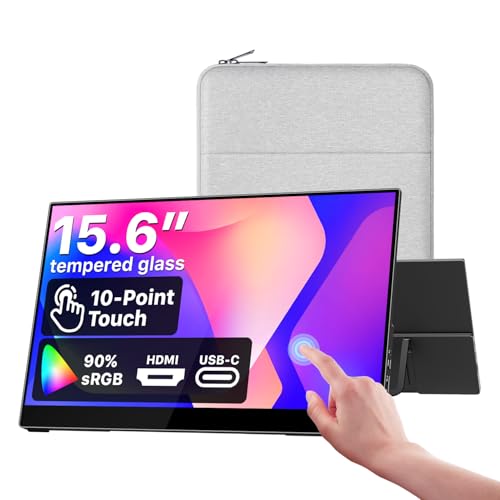
- 15.6" Screen
- 10-point touch
- 1080p
Cocopar has been a favorite in the budget-friendly portable monitor space for a while now, and they offer solid, high-quality screens at a mid-range price point.
This particular screen offers 10-point touch with native gestures and works with a wide array of devices, from laptops, to phones, to game consoles.
Personally, I'd go with a more basic screen unless you need touch, as that's really what you're paying for here.

- Large (but still portable) screen
- Full-size HDMI or USB-C connections
- Integrated kickstand
While you can go bigger than this, you very quickly end up losing the portability factor to do so. At 18.5" this VisionOwl monitor gives you much more space than smaller 15.6" monitors while keeping a 1080p resolution.

- Dual 15.6" monitors
- Supports single USB-C Connection
- Fun conversation starter at the cafe
Sure, one extra monitor is nice, but what about adding two extra monitors, with only a single connection! I love the idea, though practically speaking, this does take up a bit more space than a single monitor.
Why a Portable Monitor is the Best Second Screen for Travel
There are a ton of different manufacturers out there that make travel monitors, and most of them do a good enough job for everyday use. However, if you have specific needs for your monitor, it can be worth shelling out a little extra cash to get the best of the best.
Pros
- Lightweight
- Low Power
- Inexpensive
Cons
- Not as large as a full-sized monitor
- Usually has a lower resolution (1080P FHD)
I originally grabbed a travel screen as something to plug a media stick into so my kids could watch TV while I got some writing done. However, I’ve loved having the extra screen space so much that I don’t think I’ve ever actually let my kids use it!
Having more space for reading and editing documents, or as a place for keeping my research tabs and music player on while I write has been a gamechanger for keeping the info I need at hand without getting distracted.
If your workflow is similar, this one from MNN is what’s currently on my desk. It works with a single USB-C cord to keep everything simple, but it can also work with an HDMI-mini input, if your device only works over HDMI or you just want to keep your ports open for other things.
Of course, while this is the one that I have, that doesn’t mean it’s the best option for you. Manufacturing prices have dropped since I bought mine, and you can now get a decent second screen for around $50. Sometimes cheaper, if you wait for a sale! That’s basically impulse buy territory!
But, if you need a specific feature for your second screen, it’s worth spending a bit more to get what you need for your personal workflow.
Frequently Asked Questions
As more people begin working remotely, it’s not surprising that so many are looking for ways to be productive while on the go. Adding some screen real estate to your travel bag can be an easy and affordable way to make sure you have what you need to get your work done no matter where you end up.
Looking to stay productive while on the road?
Also check out…